
- 22 Sep, 2025
- Michle Green
- Tips & Tricks
- 605
- 0
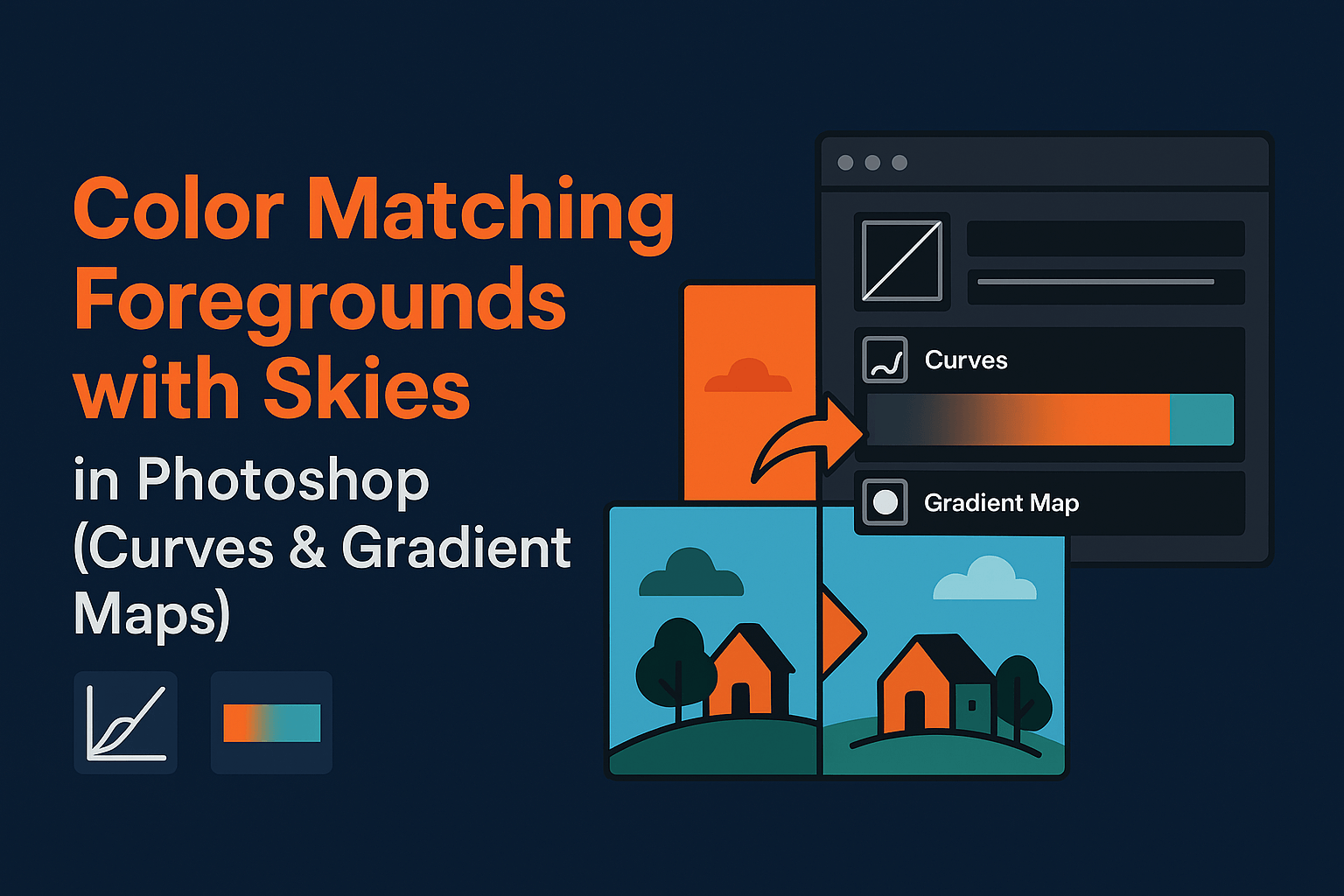
A perfect sky replacement can still look fake if the foreground colors don’t match the new sky. In this tutorial, we’ll walk through how to use Curves, Gradient Maps, and luminosity masks in Photoshop to color match skies and foregrounds seamlessly.
Why Color Matching is Crucial
If your foreground is lit by warm sunset tones but the sky you replaced is cool and blue, the composite instantly looks fake. Proper color harmony ensures the sky and subject feel like they belong in the same photo.
Adobe highlights the importance of color correction and adjustment layers in creating natural-looking edits.
Method 1: Using Curves for Color Balance
- Add a Curves adjustment layer above your foreground.
- Clip it to the foreground layer (Alt/Option + click between layers).
- In the Curves panel, adjust individual Red, Green, and Blue channels to align tones with the sky.
- For example, if your new sky is warm, add red and reduce blue in the highlights of the foreground.
Pro tip: Use the eyedropper tools in Curves to sample and match highlights/shadows automatically.
Method 2: Using Gradient Maps
- Create a Gradient Map adjustment layer.
- Sample two key colors from the new sky: one from highlights, one from shadows.
- Apply the gradient map to the foreground with a low opacity (10–30%).
- Set the blending mode to Color or Soft Light for subtle integration.
This method works especially well for matching overall mood (golden hour, twilight, stormy skies).
Enhancing Color Match with Luminosity Masks
Sometimes only certain tonal ranges (like highlights or shadows) need correction. That’s where luminosity masks come in:
- Create a luminosity mask targeting highlights.
- Apply Curves or Gradient Maps only to those selected areas.
- This ensures natural, selective adjustments without over-editing.
Advanced Tips for Seamless Blending
- Use Blend If: Limit adjustments to certain tonal ranges without masks.
- Match shadows: If the sky is warm, add subtle warm tones to shadow areas of the foreground.
- Check with black & white view: Temporarily desaturate to check contrast consistency.
- Final polish: Add a global Color Lookup adjustment (e.g., Fuji or Kodak LUTs) to unify tones.
Common Issues & Fixes
- Foreground looks oversaturated? Lower adjustment layer opacity or switch blending mode to Color.
- Foreground too flat? Use Curves to restore local contrast after color matching.
- Colors don’t blend evenly? Apply a feathered mask to gradient maps for smoother transitions.
Related Reading
Color matching is the final step in achieving realism. Whether you’re working on sky replacements or advanced composites, blending foregrounds and skies with Curves, Gradient Maps, and luminosity masks ensures professional, seamless results.
Frequently Asked Questions
No Tags



Comments (0)