
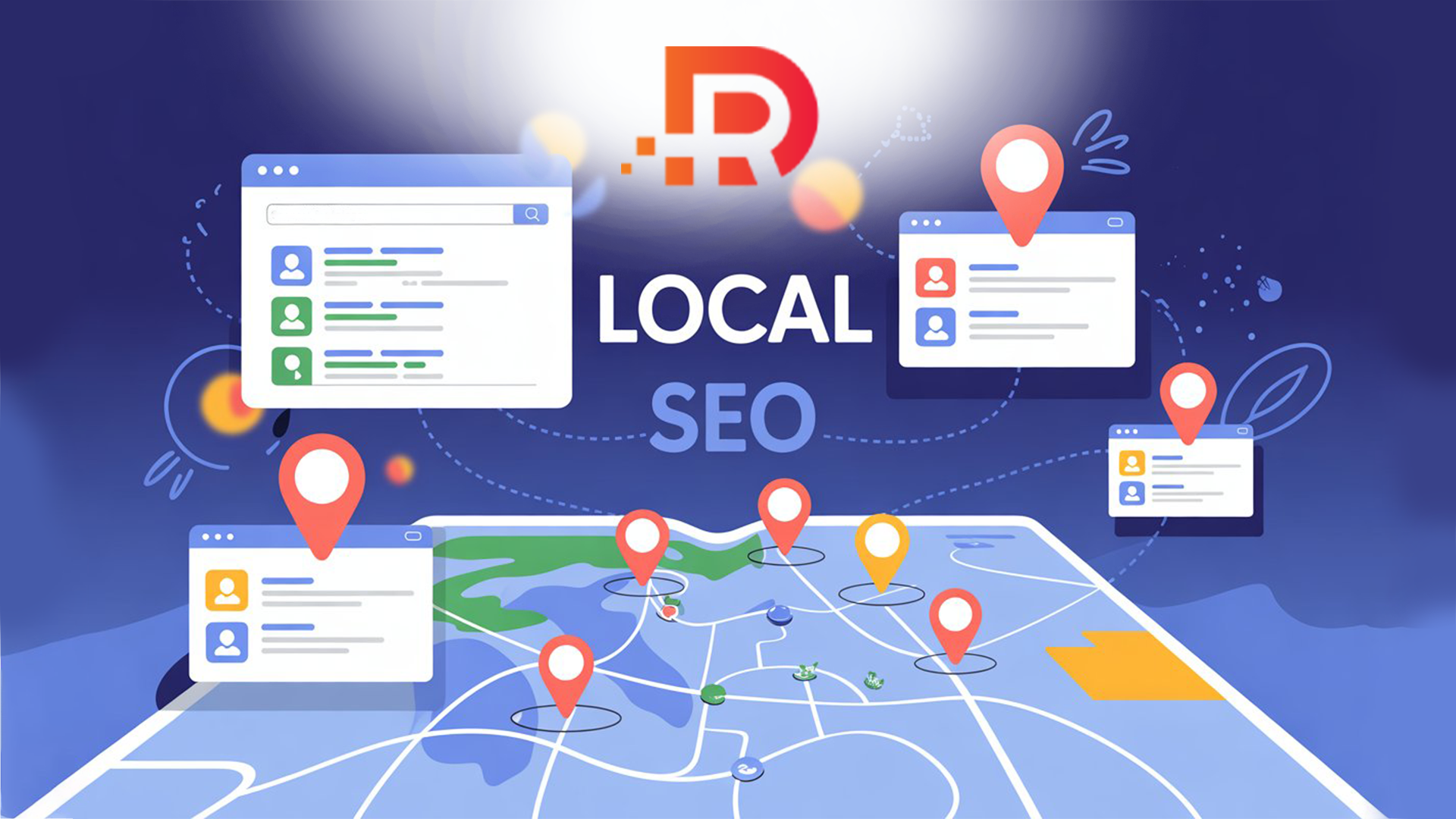
Local SEO and business listings are two halves of the same job: helping search engines and customers confirm that your business is real, active and easy to choose. Keywords and a good website matter, but so do accurate profiles and honest reviews on the places people actually look. This guide explains how Google ranks local results, what listings contribute, where reviews fit, and how to keep it all tidy.
How Local Rankings Work: Relevance, Distance and Prominence
According to Google's help pages, local results are based mainly on three factors.
- Relevance: how well a Business Profile matches what someone is searching for. Google says complete, detailed business information helps it match you to the right searches.
- Distance: how far the business is from the person searching. If the searcher does not share a location, Google uses what it knows about where they are.
- Prominence: how well known a business is. Google says this is based on information such as how many websites link to your business and how many reviews you have.
You cannot change distance, and relevance mostly comes down to filling in your profile properly. Prominence is where your work outside Google counts: links, mentions and reviews all feed the picture. Google also states plainly that there is no way to request or pay for a better local ranking, so be wary of anyone who promises one. If you want a wider overview of the whole subject, Backlinko's local SEO guide covers profiles, local keywords and citations in detail, and our own local SEO guide for small businesses is a good starting point.
What Business Listings Are
A business listing, often called a citation, is an online profile that shows your business name, address, phone number, website, hours and sometimes reviews. The first three are usually shortened to NAP: name, address, phone.
Structured citations
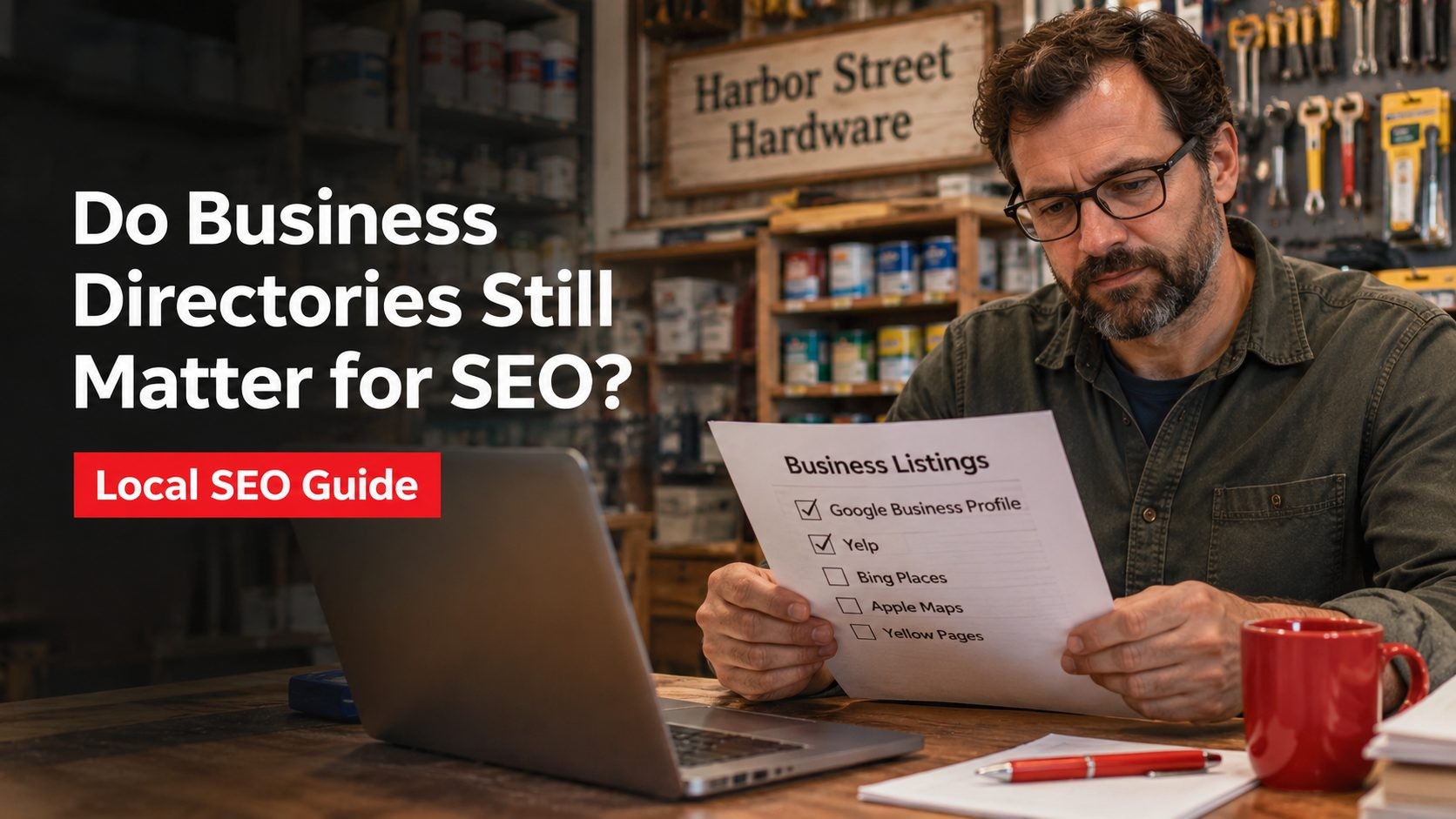
These are profiles on platforms built to list businesses. Examples include Google Business Profile, Bing Places, Apple Maps, Yelp, the Better Business Bureau, Yellow Pages and review platforms such as Clutchpilot. Which ones matter depends on your industry and where your customers search.
Unstructured citations
These are mentions of your business in other places: local news stories, blog posts, event pages, partner websites and social profiles. They are harder to control, but they tend to come naturally as your business becomes better known.
It is worth being realistic here. Google's guidance talks about links, reviews and accurate information. It does not publish a list of directories that count, so no single listing is a ranking switch. What listings reliably do is give customers more places to find you, and give search engines more places to confirm that your details are the same everywhere. For more on that, see our article on how business directories relate to SEO.
How Listings and Local SEO Support Each Other
- Listings supply consistent data. When your website, Google profile and directory entries all show the same details, there is less room for confusion about who you are and where you operate.
- Complete profiles help relevance. Categories, services, descriptions and attributes tell search engines what you do and who you serve.
- Reviews add prominence. Google says more reviews and positive ratings can help your local ranking, and replies show that you value feedback.
- Verification builds confidence. Google says verifying a profile tells it you are authorized to represent the business, which makes it more likely to show up in search results.
- Listings give customers somewhere to check you. Many people look at more than one source before they call, so being present and accurate in several places lowers friction.
In short, local SEO tells search engines what you offer, and listings give people and search engines the evidence. One without the other leaves a gap.
What the Evidence Says About Reviews
Customers rely on online reviews heavily, and recent research shows how much. BrightLocal's Local Consumer Review Survey for 2026, based on 1,002 US adults, reports that:
- 97% of consumers read reviews for local businesses.
- 47% will not use a business with fewer than 20 reviews, and only 9% are willing to use one with five or fewer.
- 74% only care about reviews written in the last three months.
- 89% expect business owners to respond to reviews, and templated or generic responses make 50% of consumers unlikely to choose a business.
Put together, the message is practical: a steady flow of recent reviews and thoughtful replies matters more than a one-off burst. Our piece on building trust online with reviews goes further into this.
Asking for reviews the right way
Each platform sets its own rules, so check before you send a request.
- Google lets you ask customers to visit a Google link or scan a QR code. Reviews must reflect a genuine experience, and offering incentives such as discounts or free goods in exchange for reviews is prohibited. Selectively asking only happy customers is not allowed either.
- Yelp tells businesses not to ask for reviews, and its recommendation software can place solicited reviews in a "not recommended" section.
- Other platforms have their own invitation tools and policies. Read them first.
The simplest approach is to ask everyone after a completed job, make it easy with one clear link, and let the reviews be whatever they are. Do not script them, and do not try to steer the wording. For more practical advice on Google reviews specifically, see this Search Engine Land article.
A Listing Optimization Checklist
1. Keep your details consistent
Use the same business name, address, phone number and website everywhere. Small variations, such as "Suite" in one place and "Ste." in another, may not cause harm, but there is no reason to create them. Copy from one master record each time.
2. Use your real business name
Google's guidelines say the name should reflect your real-world business name, and that unnecessary information such as taglines, service details or phone numbers should not be added.
3. Choose categories carefully
Google advises using as few categories as possible, and making them as specific as you can while still representing your main business. Do not use categories as keywords.
4. Write a clear description
Say what you do, who you serve and where, in plain words. Skip stuffed keyword lists.
5. Keep hours accurate
Include special hours for holidays and closures. Google notes that inaccurate information can keep a profile from appearing for relevant searches.
6. Add real photos
Google says photos and videos let you show customers what you offer and tell the story of your business. Use genuine pictures of your premises, team and work.
7. Add services and products
Complete information gives Google more to match against what people search for, and gives customers answers before they call.
8. Verify every listing you can
Verification confirms that you are authorized to represent the business. Complete it on every platform that offers it.
9. Reply to reviews
Keep replies professional, polite and brief, and avoid sending the same generic thank-you to everyone.
10. Add LocalBusiness markup to your site
Google documents LocalBusiness structured data, which can describe your name, address, hours and more. One caution: Google says pages that use LocalBusiness or Organization markup are not eligible for star review snippets when the business controls its own reviews, so do not mark up reviews you collect about yourself.
Using Reviews on Your Own Website
Genuine customer quotes on service pages and your contact page help visitors decide. A few habits keep them useful:
- Show real names or initials only with permission, and never invent testimonials.
- Do not wrap your own reviews in review markup, for the reason above.
- Read negative reviews for patterns. If several customers mention the same problem, fixing it will do more than any reply.
Local SEO Mistakes to Avoid
- Duplicate listings. Google says there should be only one profile per business location. Claim or merge old ones instead of adding new ones.
- Unverified accounts. Google says verified profiles are more likely to show up in search results.
- Stuffing the business name. It goes against Google's naming guidelines and risks suspension.
- Ignoring negative reviews. A calm, specific reply helps future customers as much as the reviewer.
- Relying only on one platform. Spreading across a few relevant sites is safer, as we explain in alternatives to Google My Business.
A Simple Quarterly Audit
Listings drift out of date quietly. A short routine every three months catches most problems. Our guide to Google Business Profile optimization covers the Google side in more depth.
| Task | What to look for |
|---|---|
| Search your business name and phone number | Profiles you forgot about, duplicates, old numbers |
| Compare each listing with your master record | Name, address, phone, website, hours and categories |
| Check recent reviews | Unanswered reviews and repeated complaints |
| Review photos | Outdated pictures, closed locations, old branding |
| Check your website | Contact details and LocalBusiness markup match your listings |
Bringing It Together
Local visibility is built from small, consistent things: one accurate set of details, a handful of relevant profiles, steady and honest reviews, and a website that says the same thing. None of it is complicated, but it does need regular attention. Start by getting your Google profile right, add the other platforms your customers actually use, and keep a simple record so you can check them all each quarter.
Frequently Asked Questions
No Tags

Comments (0)