

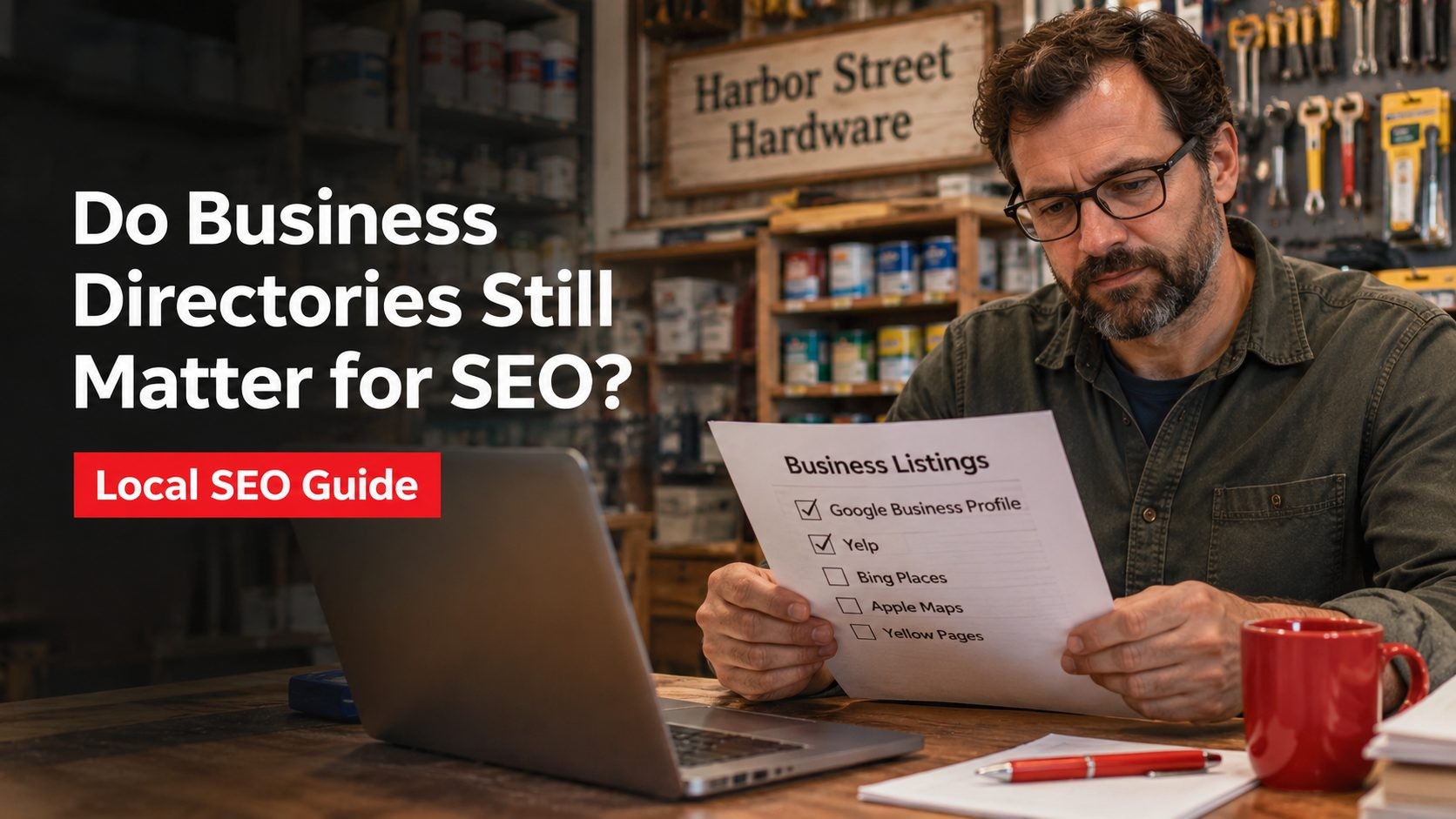
A business directory is any site that lists companies by name, category and location, and a citation is a mention of your business details on one of those sites. Done sensibly, directory work is mostly housekeeping: customers and search engines should see the same correct details wherever your business turns up. This guide walks through the directories small businesses use most, says what each one is for, and is straight about what listings can and cannot do for your visibility in search.
What a Directory Listing Contains
Most listings hold the same core details, usually shortened to NAP: name, address and phone number. Around that core sit a few extras:
- A short description and the services you offer
- Opening hours, service area and payment options
- A link to your website and social profiles
- Photos and, on many sites, customer reviews and ratings
Some directories are general, others cover one industry. The job of every listing is the same: give someone comparing options a reliable snapshot of your business.
What Directory Listings Can and Cannot Do
Set expectations before you pick where to list, because directory advice online often promises more than the evidence supports.
What they can do
- Make you easier to find. People search in maps apps, on review sites and in industry marketplaces. A correct listing in each place means you show up wherever a customer happens to look.
- Keep your details consistent. An old phone number or wrong opening hours on a map listing costs you real enquiries.
- Collect reviews. Google says more reviews and positive ratings can help your business's local ranking, and reviews also help a stranger decide whether to call.
- Send some referral visits. Directory visitors are often already looking for a business like yours.
- Cost little. Many directories offer a free basic listing, with paid extras you can ignore.
What they cannot do
- Guarantee a ranking. Google's own help page says there is no way to request or pay for a better local ranking. It describes ranking as a mix of relevance, distance and prominence, and you can read it in Google's guide to improving your local ranking.
- Carry most of the weight. In the latest Whitespark Local Search Ranking Factors survey, 47 local search experts scored 187 factors. On the local pack list, your primary Google Business Profile category ranks first and consistency of citations on the main search engines ranks 28th. That survey records expert opinion, not Google data, but it supports a simple rule: get your core profile right before collecting extra listings.
- Make up for a weak website. If the site is slow or vague, the visit from a listing goes to waste.
For a deeper look at the SEO side, including links, nofollow and paid listings, see do business directories still matter for SEO. For how listings and local search fit together, how local SEO and business listings work hand in hand is a good next read.
Directories Worth Considering
This is not a ranking. The right mix depends on your trade and on where your customers already look. If you only have time for three, start with the first three.
1. Google Business Profile
Google describes creating a Business Profile as free, and it is what lets your business appear on Google Search and Maps. It is the listing nearly every local business should get right first. Our guide to Google Business Profile optimization covers setup in detail.
2. Bing Places for Business
Microsoft describes Bing Places as a free platform for managing listings that appear in Bing search results and Bing Maps. Microsoft also says it improved how you import listings from Google, so an accurate Google profile gives you a head start.
3. Apple Business (formerly Apple Business Connect)
Apple Maps place cards used to be managed through Business Connect. Apple has since folded that service into a platform called Apple Business, which keeps the brand and location tools, says its base service is free, and says existing Business Connect data was migrated automatically. If you claimed a location before, check that it still looks right.
4. Facebook Page
A Facebook Page can hold your address, hours and contact details and lets customers message you. It earns its place when your customers already spend time there. Keep the details identical to your other listings.
5. Yelp
Yelp says it is free to be on Yelp, and the free tools include updating business info, replying to reviews and messages and adding photos. Yelp Advertising is a separate paid product. It is common among restaurants, shops and local services.
6. Better Business Bureau
The BBB works through independent local bureaus across the US and Canada, which handle business profiles, complaints, reviews and accreditation. Accreditation is not automatic: BBB states that accredited businesses pay annual dues. Decide whether the badge matters to your customers before paying for it.
7. Nextdoor
Nextdoor offers a free Business Page where neighbors can recommend you, plus free posts to the neighborhood feed and paid ads on top. It suits hyper-local trades such as pet care, landscaping and repairs.
8. Angi
Angi, formerly Angie's List, focuses on home services such as electrical work, plumbing and building. Read how the platform charges before you join, and compare the cost with what a booked job is worth to you.
9. Tripadvisor and OpenTable
Tripadvisor covers hotels, restaurants and attractions with traveler reviews, and OpenTable is built around restaurant reservations. If you run a restaurant, hotel or attraction, check whether you already appear on them, then claim and complete the listing.
10. Review platforms such as Trustpilot and Clutchpilot
Trustpilot lets a business open a free account to collect and answer reviews, with more tools described on its pricing page. Clutchpilot is a directory where people rate and review businesses and search by name, category or location. Its site says a basic business profile is free, with optional paid upgrades. No single review platform suits everyone, so check whether your own customers use it, how reviews are verified and what it costs. Our comparison of alternatives to Trustpilot and the piece on how businesses grow with review platforms may help.
Niche Directories by Industry
Industry directories are often where a customer who is ready to choose goes to compare. Here are some examples and what each one is for.
| Industry | Directory | What it is |
|---|---|---|
| Healthcare | Zocdoc | A marketplace where patients find providers and book appointments |
| Healthcare | Healthgrades | A directory of doctors and hospitals; providers can claim a free profile |
| Legal | Avvo | A lawyer directory with free claimed profiles and separate paid products |
| Legal | Justia | A lawyer directory that offers free profiles to licensed US attorneys, plus paid premium placements |
| Home and construction | Houzz, Thumbtack | Marketplaces where homeowners look for design, building and repair professionals |
| B2B services | Clutch | A ratings and reviews directory for agencies, consultancies and other service firms |
| Software | G2 | A review marketplace for software products rather than services |
One correction worth making: G2 is for software, so it fits a software vendor, not a general B2B service company. If you are a lawyer or a medical provider, also check any advertising rules from your licensing body before you pay for placement.
How to Choose Where to List
- Look where customers look. Search for your service plus your city and note which directories appear in the results.
- Check you can claim and edit it. A listing you cannot correct becomes a liability.
- Skip bulk submission services. Hundreds of listings on sites nobody visits add upkeep, not customers.
Checklist for Setting Up Each Listing
- Use one master record. Keep your name, address and phone number in a single document and copy from it every time.
- Add a website link. Link to the most relevant service page when the site allows, not only the homepage.
- Choose accurate categories. Pick the ones that really describe your work and avoid padding the list.
- Upload real photos. Your own premises, team and work say more than stock images.
- Ask for reviews the allowed way. Google's review policy permits asking customers for genuine reviews but bans incentives and selectively asking only happy customers.
- Reply to reviews. A calm reply to a bad review shows prospects how you treat people.
- Review every listing regularly. Update hours, services and photos when anything changes, and set a calendar reminder.
Tracking What a Listing Brings
Where a profile lets you add a website link, add UTM parameters so Google Analytics can tell you which directories send visitors. A tagged link looks like ?utm_source=directory-name&utm_medium=listing. After a few months, compare each listing's visits, calls and enquiries with what you pay for it, and drop listings that bring nothing and cost money.
The Short Version
Directory listings are worth doing because customers use them, not because they switch on a ranking. Get Google, Bing and Apple right, add the one or two directories your own customers use, keep every detail identical, and reply to reviews. That is a modest plan, and it holds up. For the wider picture, read our look at the so-called directory hack and local SEO for small businesses.
Frequently Asked Questions
No Tags


Comments (0)