
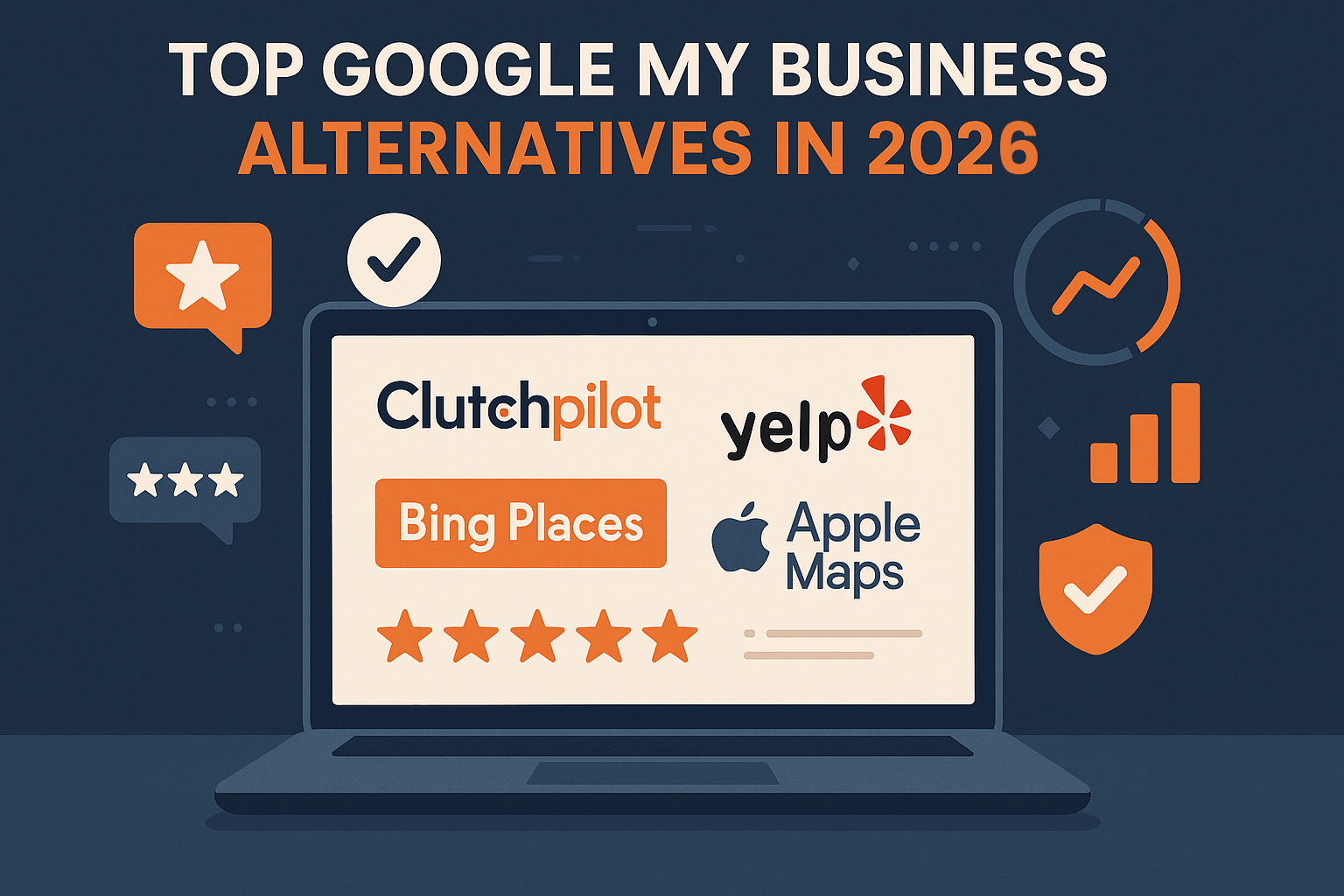
Google My Business is now called Google Business Profile, and for most local searches it is still the listing that matters most. That does not mean it should be the only place customers can find you. This guide walks through the other places worth listing your business, what each one is good for, and how to keep several profiles accurate without turning it into a second job.
First, a Quick Note on the Name
Google renamed Google My Business to Google Business Profile in 2021, and the separate Google My Business app was retired in 2022. Owners now manage their profile directly in Google Search and Google Maps. Plenty of people still search for the old name, which is why this post uses it too, but the product is the same one. According to Google, creating a Business Profile and listing your business on Google is free.
It also helps to be clear about the word "alternatives". Nothing below replaces a Google profile for a business that depends on local search. These are additional places to be found, and a sensible fallback if one platform changes its rules or suspends a listing.
Why Spread Beyond One Listing
People do not all start in the same place. Some search on Bing, some open Apple Maps on an iPhone, some check Yelp or a niche site for their trade, and many look at social profiles before they ever visit a website. BrightLocal's Local Consumer Review Survey for 2026, based on 1,002 US adults, found that consumers use an average of six review sites, and that 71% use Google to read local business reviews. Google leads, but a large share of people are looking elsewhere too.
A wider footprint gives you three practical benefits:
- More ways to be found. Each platform has its own audience and its own search habits.
- A safety net. A profile can be suspended over a policy problem, and platforms change their features without warning.
- Consistent proof. When the same name, address and opening hours appear in several trusted places, customers have less reason to doubt you.
If you are still building the basics, start with our guide to building an online presence for a small business and come back here when your website and Google profile are in good shape.
Where to List Your Business Besides Google
Bing Places for Business
Bing Places is Microsoft's free platform for managing how your business appears in Bing search results and Bing Maps. Microsoft's relaunch announcement says it has improved the way owners can import listings from Google, which means you often do not need to re-type everything. The audience is smaller than Google's, so do not expect the same volume, but the setup is quick and the cost is nothing.
Apple Business Connect
Apple Business Connect is a free tool that lets businesses claim their place card and control how details appear in Apple Maps, Messages, Wallet, Siri and other Apple apps, according to Apple's announcement. It makes most sense for businesses with a physical location, such as a cafe, clinic or shop, where customers are likely to tap a pin on an iPhone and head over.
Yelp
Yelp says it is free to be on Yelp, and a claimed page lets you update business details, add photos and respond to reviews. One thing to know before you start: Yelp's content guidelines tell businesses not to ask customers for reviews, and its recommendation software can move reviews that look solicited into a "not recommended" section. That is very different from Google's approach, covered below.
Review platforms and general directories
Beyond the big map and local-search services, there is a range of review sites where customers can rate any business. Trustpilot is a well-known general review site. The Better Business Bureau publishes business profiles and customer complaints. Clutchpilot is a newer business review and directory platform that describes itself as a free business review platform, with a free profile listing for businesses and optional paid upgrades. Each of these has its own rules, pricing and audience, so read the terms before you sign up and check that real customers in your market actually use the site.
Industry-specific directories
Depending on your trade, a specialist site may reach the right people better than a general one. Angi (formerly Angie's List) is aimed at home services, Zocdoc at healthcare providers, and Tripadvisor at travel and hospitality. If your customers already use one of these, a complete profile there is usually worth more than ten generic listings.
Social profiles
Facebook, LinkedIn and Instagram profiles are not directories in the strict sense, but customers do use them to check hours, photos and recent activity, and to send a message. Treat them as listings too: keep the business name, contact details and website identical to everything else.
A Quick Comparison
| Platform | Good fit for | Worth knowing |
|---|---|---|
| Google Business Profile | Almost any local business | Free to create, managed in Search and Maps, the baseline for local visibility |
| Bing Places | Businesses that want presence in Bing and Bing Maps | Free, with an option to import from Google |
| Apple Business Connect | Businesses with a physical location | Free, feeds Apple Maps, Messages, Wallet and Siri |
| Yelp | Restaurants, retail, local services | Free page, but asking customers for reviews is discouraged |
| Trustpilot, BBB, Clutchpilot | Businesses that want reviews outside Google | Each has its own rules and pricing, so check before joining |
| Industry directories | Home services, healthcare, travel and similar trades | Choose only the ones your customers already use |
How to Choose the Right Ones
- Audience fit. Ask recent customers where they looked before contacting you. Their answers beat any generic ranking of directories.
- Review rules. Google allows you to ask customers for reviews, including with a link or QR code, but not to offer incentives or to ask only for positive ones. Yelp discourages asking at all. Know each platform's rules before you send a single request.
- Effort. Every profile needs updating when your hours, phone number or services change. Five accurate listings beat twenty neglected ones.
- Quality of the site. Search for your own category and see which sites actually show up. If a directory never appears in results and has no visible traffic, it is unlikely to send you customers.
- Link value. Do not expect rankings to jump because of a directory link. Google's spam policies list low-quality directory or bookmark site links as link spam, so avoid mass submissions to dozens of obscure sites.
For a longer look at how listings and search fit together, see our pieces on business directories and SEO and directory sites for small businesses.
Keep Your Details Identical Everywhere
The more places you list, the more likely it is that something goes out of date. The simplest fix is a single master record: one document with your exact business name, address, phone number, website, opening hours, categories and a short description. Copy from it every time you create or edit a listing.
- Use the business name as it appears on your sign, website and receipts. Google's guidelines say extra information such as taglines or service details should not be added to the name.
- Choose as few categories as possible, and make them specific to your main business.
- Create only one profile per location. Google says duplicates can cause problems in Maps and Search.
A Sensible Order to Work In
- Finish your Google profile first. Our guide to Google Business Profile optimization covers the details.
- Import or recreate that information in Bing Places.
- Claim your place card in Apple Business Connect if you have a physical location.
- Add one review platform and one industry directory that your customers actually use.
- Tidy your social profiles so the details match.
- Save every login and listing link in your master document.
- Set a reminder to review everything every three months.
If your customers are mostly in one town or region, the broader approach in our local SEO guide for small businesses will help you decide where to spend time first. The relationship between listings and rankings is also explained in how local SEO and business listings work together.
Handling Reviews Across Platforms
Reviews are the part of a listing that customers read most, so a few ground rules matter more than any feature.
- Reply to reviews, good and bad. Google advises keeping replies professional, polite and brief, and avoiding the same generic thank-you for everyone.
- Never pay for reviews. Google treats offering incentives such as discounts or free goods in exchange for reviews as fake and misleading content, and it is strictly prohibited.
- Do not filter who you ask. Asking only happy customers breaks Google's policy against selectively soliciting positive reviews.
Common Mistakes to Avoid
- Creating a second profile for the same location instead of claiming the existing one.
- Leaving old phone numbers, addresses or opening hours on profiles you forgot about.
- Paying for premium listings before you have checked that the platform sends real enquiries.
Spreading your presence across several trusted platforms is not about collecting as many listings as possible. It is about being easy to find, easy to check and consistent wherever a customer happens to look.
Frequently Asked Questions
No Tags

Comments (0)