
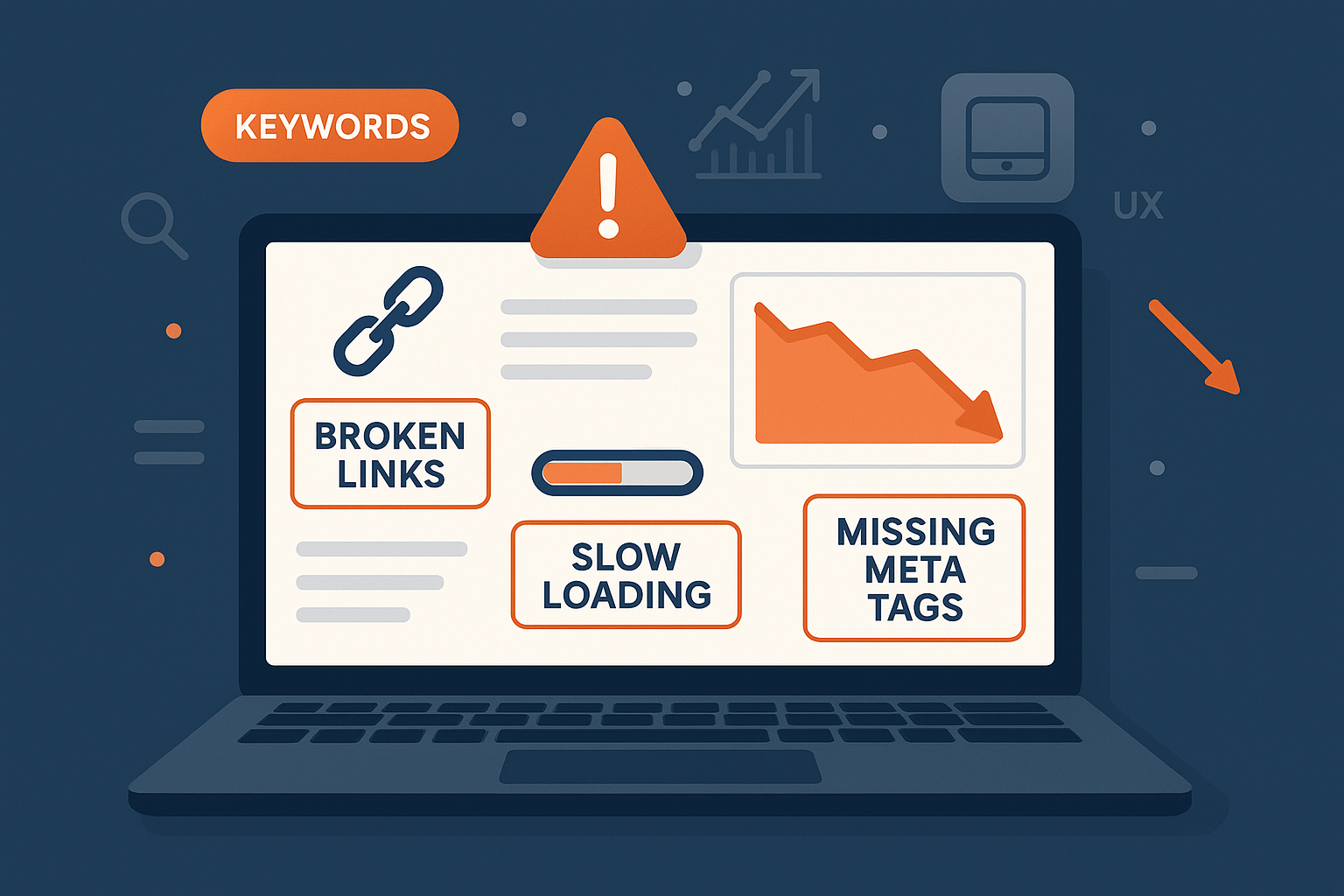
Most traffic losses do not come from one dramatic penalty. They build up from ordinary problems: pages search engines cannot reach properly, titles that repeat across the site, thin or copied content, links that were bought, and a site that is awkward to use on a phone. This guide covers nine common SEO mistakes, why each costs you visitors, and how to check and fix it. Not every dip is a mistake, though. Seasonality and Google updates also move traffic, so compare with the same period last year first.
1. Ignoring Technical SEO
Technical SEO is the foundation. If search engines cannot crawl, index or understand a page, nothing else you do to it matters.
Common errors:
- Slow pages. Google's Core Web Vitals set the targets: Largest Contentful Paint of 2.5 seconds or less, Interaction to Next Paint of 200 milliseconds or less, and Cumulative Layout Shift of 0.1 or less, measured at the 75th percentile of page loads.
- Broken links. Dead internal links send visitors to error pages.
- A weak mobile version. Google uses the mobile version of a page for indexing. Google's documentation warns that if the mobile page has less content than the desktop one, you can expect some traffic loss.
Fix it:
- Open the Page indexing report and the URL Inspection tool in Google Search Console to see which pages Google can and cannot index, and how it sees a specific page.
- Crawl the site with Screaming Frog or a similar tool and list broken links, redirect chains and missing titles.
- Keep the same content, headings, structured data and robots tags on mobile and desktop.
- Check oversized images first, as they are a common cause of slow pages. Moz also publishes a guide to technical SEO if you want a primer.
2. Keyword Stuffing and Poor Optimization
Google's spam policies describe keyword stuffing as filling a page with keywords or numbers to manipulate rankings, and give repeating words until the text sounds unnatural as an example. Targeting the wrong terms is the quieter version of the same problem.
Common mistakes:
- Repeating the same phrase in every paragraph, heading and alt tag.
- Skipping related terms and questions that real searchers use.
- Targeting terms that are too broad, too competitive or simply not what your page is about.
- Filling in the meta keywords tag. Google Search does not use it.
Fix it:
- Research terms with Google Keyword Planner, Semrush or Ahrefs, give each page one clear topic, and cut any phrase that sounds forced when read aloud.
- Cover the synonyms, related terms and follow-up questions a reader would expect to see.
3. Thin or Duplicate Content
Google has no word count rule. Its SEO starter guide says there is "no magical word count target, minimum or maximum". What counts is whether a page adds something useful, so a short page that fully answers a question can serve readers better than a long one that circles. Pages that add nothing original, such as copied product descriptions or large batches of near-identical pages, are the real risk.
Duplicate content is usually a consolidation problem rather than a penalty. Google's documentation explains that when several URLs show the same content, naming a preferred one consolidates signals such as links and makes crawling more efficient.
Fix it:
- List near-duplicate pages and merge them, or give each a distinct purpose.
- Use a 301 redirect when you retire a duplicate, and a
rel="canonical"tag when both versions must stay live. Listing the preferred URL in your sitemap adds a weaker signal. - Expand thin pages with examples, data or answers to follow-up questions, and check for copies elsewhere with a tool such as Copyscape before you publish.
4. Neglecting On-Page SEO
On-page SEO means making each page clear to readers and to search engines. Typical gaps:
- Missing or duplicated titles. Google recommends a unique, clear title that describes the page.
- Meta descriptions that are blank or identical. A good one is short and unique to the page, although Google may write its own snippet.
- Walls of text with no headings. Headings help readers move through a long page, though Google says heading order and count do not matter to Search.
- Internal links that use "click here". Descriptive anchor text, in a real
a hreflink, tells readers and crawlers what to expect. - Pages that nothing links to. Every page you care about should be linked from at least one other page.
The fix is routine: a distinct title and description for every page, descriptive headings, and links between related pages.
5. Poor Link-Building Practices
Links still help Google discover pages and judge their standing, but manipulating them backfires. Google's spam policies define link spam as creating links to or from a site mainly to manipulate rankings, and list buying or selling links for ranking purposes, excessive link exchanges and widely distributed footer links as examples. Paid links are fine when they carry rel="nofollow" or rel="sponsored".
Fix it:
- Earn links with something worth citing: original data, clear guides, tools or case studies.
- Cite good sources where it helps your own readers, for example Google's SEO Starter Guide.
- Review your backlinks occasionally and stop any paid placement that passes ranking credit.
6. Ignoring User Experience (UX)
Google's page experience documentation says there is no single page experience signal. Its ranking systems look at several signals, and Core Web Vitals are used by those systems. It also says that a good score does not guarantee top rankings. The practical point is simpler: if people cannot use a page, they leave.
Mistakes that hurt UX:
- Cluttered, hard-to-navigate layouts.
- Pop-ups that cover the content. Google's guidance lists avoiding intrusive interstitials as something to check.
- Pages that break on a phone.
Fix it:
- Open your key pages on a real phone and complete the main task, such as finding a price or sending an enquiry.
- Run Chrome Lighthouse, which Google suggests for finding mobile usability issues.
- Treat bounce rate and time on page as clues to investigate, not as targets.
7. Not Optimizing for Featured Snippets and Rich Results
Structured data can make pages eligible for special search features such as review stars, according to Google's SEO starter guide. Do not chase the wrong one, though. Google stopped showing FAQ rich results in Search on 7 May 2026, so adding FAQ markup purely for rich results no longer pays off.
Common mistakes:
- Marking up content that is not visible on the page.
- Burying the answer to a common question in the middle of a long paragraph.
- Never using lists or tables where the content is naturally a list or a comparison.
Fix it:
- Use markup that matches the page, such as Product for items you sell and Breadcrumb for navigation, and test it with Google's Rich Results Test.
- Put a short, direct answer under a clear question heading, then add detail below it.
- Use bullet lists and tables for steps and comparisons.
8. Not Tracking SEO Performance
Without measurement you cannot tell which fixes worked. Common gaps are not setting up Google Analytics and Search Console, not recording key events such as form submissions or purchases, and judging success by rankings alone.
- Use Search Console to see queries, impressions, clicks and pages. Use Analytics to see what visitors do after they arrive.
- Track the actions that matter to the business, not only traffic.
- Keep a dated log of changes, such as a redesign or batch of redirects, and review the numbers monthly against the same period last year.
9. Neglecting Reviews and Business Profiles
If customers find you through a local search, your profiles and reviews are part of SEO. Google says local results depend on relevance, distance and prominence, and that more reviews and positive ratings can help your local ranking. Google Business Profile is for businesses with a physical location customers can visit, or that travel to customers.
Common slips are inconsistent business details across the web, unanswered reviews, and asking only happy customers for feedback. Google's policy for Maps reviews forbids offering payment, discounts or free goods for reviews and forbids soliciting only positive ones.
Several platforms can carry your reviews: Google Business Profile, Trustpilot, Yelp in the countries where it operates, industry directories, and review platforms such as Clutchpilot, which describes itself as a free business review platform. Choose the ones your customers actually use, keep your name, address and phone number identical on each, and answer reviews politely. Our guides to Google Business Profile optimization, business directories and SEO and local SEO for small businesses cover the details.
Quick Diagnosis Table
| What you see | Likely cause | First check |
|---|---|---|
| Pages missing from Google | Blocked, noindexed or never crawled | URL Inspection in Search Console |
| Traffic fell after a redesign | Changed URLs without redirects, or less content on mobile | Compare old and new URL lists, test the 301s |
| Many pages share one title | A template reusing the same title | Crawl the site and export titles |
| Impressions steady but clicks down | Weaker titles or snippets | Search Console Performance report by query |
| Slow pages | Heavy images or scripts | PageSpeed Insights and the Core Web Vitals report |
Putting It in Order
Start with crawling and indexing, because nothing else works if pages cannot be found. Then fix duplicate and thin content, titles and internal links, speed and mobile use, and finally links and profiles, tracking results throughout. If you run a store, see how these points apply in our guide to e-commerce SEO in Pakistan, and if you are choosing where to put your budget, compare SEO and PPC for small businesses.
Frequently Asked Questions
No Tags



Comments (0)