

- Updated
- Digerati
- Tips & Tricks
- 692
- 0
Before someone contacts your business, there is a good chance they have already looked you up. What they find, and whether the details are accurate and managed by you, shapes that first impression. A verified business listing is one way to take control of that moment. This guide explains what verification actually means, where to do it, what it can and cannot do for client trust and search visibility, and how to keep your listings consistent as part of a wider online presence. It draws on the platforms' own help pages and one consumer survey, and the sources are linked.
What a Verified Business Listing Is
Verification is the step where a platform checks that you really control the business before it lets you manage the profile. The checks differ from one platform to the next. Google's Business Profile help page, for example, says you need to verify to edit details such as your business name or hours and to interact with customers. Depending on the business, the options include a postcard with a code, a phone call or text, an email, a live video call or a recorded video, and Google decides which ones you see.
A few practical details from that same page are worth knowing. Postcards usually arrive within 14 days, and the code expires after 30 days. Reviews can take up to 5 business days. If you request a new code while waiting, the first one stops working, and you should avoid editing your name, address or category until you are verified.
What customers see also varies. Some platforms show a claimed or verified mark, and others simply show accurate details. Do not assume a badge exists. Think of verification mainly as control: you decide what the listing says, you can answer reviews, and nobody else manages the profile for you.
Why It Matters for Client Trust
People do check before they buy. BrightLocal's Local Consumer Review Survey 2026, which used a representative panel of 1,002 US adults, reports that 97% of consumers read reviews online and that 89% expect business owners to respond to reviews. It also reports that 80% say they are likely to use a business that responds to all of its reviews. This is a survey of what people say they do, not proof that one tactic wins clients, but it shows why an unattended listing costs you attention.
Be careful with promises about search. Google says local results are based mainly on relevance, distance and prominence, and that businesses with complete and accurate information are more likely to show up. It also says there is no way to request or pay for a better local ranking. Verification is what lets you manage that information. It is not a ranking switch. For tactics beyond the basics, see our guides to Google Business Profile optimization and how local SEO and business listings work together.
Where to Claim and Verify
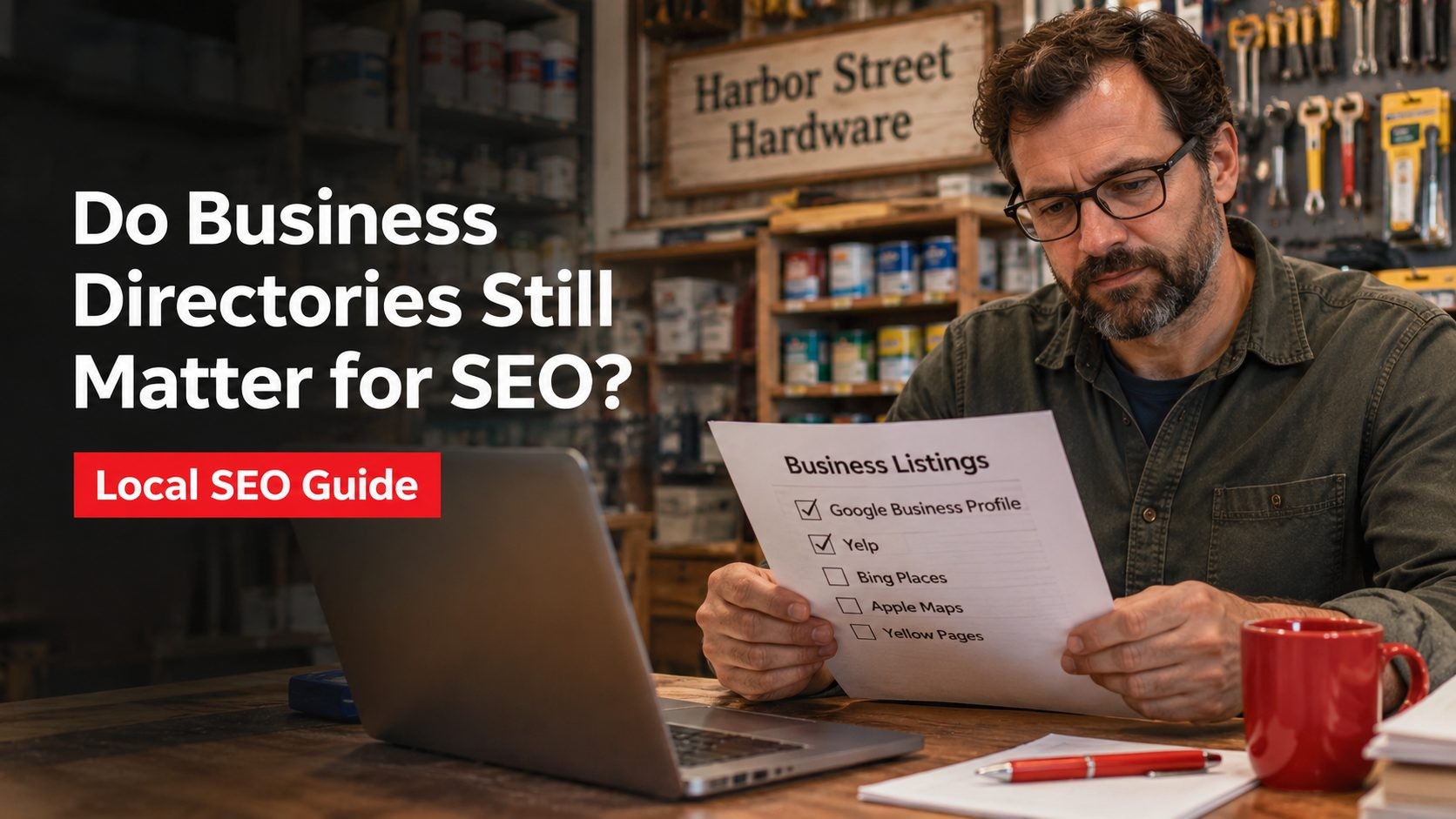
Choose the platforms your customers actually use. The summary below comes from each platform's own site, and it will not be complete, so read the current pages before you start.
| Platform | What its site says | Worth knowing |
|---|---|---|
| Google Business Profile | Verify by postcard, phone or text, email or video, then edit details and interact with customers | Google decides which verification options you see |
| Apple Business | Claim your location on Maps and control details such as logo, hours and images | The page we checked does not describe verification steps |
| Yelp | Claiming a business page is free, and you can respond to reviews and messages | Its page links to a verification flow without describing the steps |
| Trustpilot | Tools for replying to reviews and sending review invitations | Check its pricing page to see which features are paid |
| Clutchpilot | A free profile listing for providers, with optional paid features, and a directory with a Verified and Unverified filter | Its public pages do not explain what verification involves |
If You Sell to Other Businesses
Business buyers rarely rely on one source. Ask your last few clients where they looked before they got in touch, and put your effort into those sites first. Then make the listing answer a buyer's basic questions: what you do, where you operate, how to reach a person and what kind of work you have done. If your legal name differs from the name you trade under, say so on the profile and on your website, so a buyer who checks company records finds the same business. A consistent profile makes that review quicker and leaves less to doubt.
How Verified Listings Strengthen Client Relationships
Every client relationship starts with a small amount of confidence. A well-kept listing supports it at several points.
1. First impressions
Correct hours, a working phone number and a current address mean people reach you on the first try. Recent photos and replies show the business is active.
2. Reputation management
When you control the profile, you can reply to reviews in public. Given the survey figures above, silence is a choice that clients notice. Write replies that mention the actual situation, since people can tell a template from a person.
3. Fewer wrong details
Unclaimed listings can carry old phone numbers or the wrong opening hours. Claiming gives you a way to correct them before a customer drives to the wrong place.
4. Consistency over time
Clients who find the same details on your website, your listings and your invoices see one reliable business. That consistency is a quiet reason people stay and recommend you.
Trust Signals to Keep Consistent
Verification is the start. The profile then has to stay accurate and alive.
- Name, address and phone: use exactly the same details on every platform and on your website.
- Real photos: show your team, your premises and your work rather than stock images.
- Genuine reviews: ask real clients for feedback and never pay for it. More on the rules below.
- Current information: update hours, services and team details when they change.
- Replies: answer positive and negative reviews politely and specifically.
Also check that the website your listing points to loads over HTTPS without certificate warnings. A listing that sends people to a broken page undoes the trust it earned.
A Five-Step Roadmap
Step 1: Audit what exists
Search your business name and phone number, and note every listing, duplicate and wrong detail you find.
Step 2: Claim and verify the important profiles
Start with the platforms your customers use. Follow each platform's own instructions, and do not request a second code while the first is in the post.
Step 3: Complete the profile
Fill in categories, services, hours, a clear description and photos. Google says complete and accurate information helps your business show up, so leave no fields half empty.
Step 4: Collect real reviews
Ask clients who actually used your service. The same BrightLocal survey reports that 97% of consumers think businesses should face punishment for fake reviews, and the FTC has its own rule, covered below.
Step 5: Review every quarter
Set a reminder to check hours, services, photos and unanswered reviews. Keep a master sheet of every listing and login so nothing is forgotten.
Common Problems and Fixes
- Fake or spam reviews: never create or buy them. The FTC announced a final rule in August 2024 that prohibits fake reviews and testimonials, bars compensation tied to a particular sentiment, and restricts review suppression. Read the FTC announcement. If someone posts fake reviews about you, use the platform's own reporting option.
- Duplicate listings: work out which listing is correct, claim it and ask the platform's support to deal with the others.
- Inconsistent data: fix the master sheet first, then update each platform from it.
- Verification that stalls: check that your details match what is on file, wait for the stated delivery time, and try a different method if the platform offers one.
- Low engagement: add photos, post updates where the platform allows it and reply to reviews promptly.
Keeping Your Listings Trusted Over Time
The methods platforms use to verify businesses change over time and vary by business type, so check current options when you set up. Be wary of articles that promise a future where one technology fixes trust for you. Accurate details, honest reviews and prompt replies will keep working whatever verification looks like.
If you want to go further, our guides to building trust online with reviews and business directories and SEO cover reviews and directory listings in more depth.
Frequently Asked Questions
No Tags
Comments (0)